Lower your health plan costs. Empower your team to pay for their healthcare.
Spend less on your health plans and make it easier for your people to pay for care when they need it. Whether you're a startup or a Fortune 500 company, Paytient gives your team the ability to pay for care over time, without interest or fees.
Paytient offers several pricing plans based on your needs. Healthcare purchasing power refers to the dollar amount made available to each of your employees who enroll in Paytient to make it easier for them to pay for their healthcare needs.
Find your plan and price.
Buy Online
Essential
Help your employees cover everyday costs for routine and preventative care.
Healthcare purchasing power
$2,000
Cost per employee
$10/mo
Monthly platform fee
$100/mo

Buy Online
Plus
Help your employees cover larger costs for major medical and specialist care.
Healthcare purchasing power
$5,000
Cost per employee
$18/mo
Monthly platform fee
$100/mo
Talk to Sales
Enterprise
For employers interested in an administrative services only (ASO) model, our sales team can help build your plan.
Healthcare purchasing power
$1,000-$5,000
Cost per month
from $2,500
Custom
For employers with 1,000+ employees interested in a custom non-ASO plan, our sales team can help build your plan.
Healthcare purchasing power
Custom
Cost per month
Custom
All Paytient plans come with:
Medical, dental, vision, pharmacy, and veterinary care.
No interest, no fees. Ever.
Flexible repayments.
What happens next?
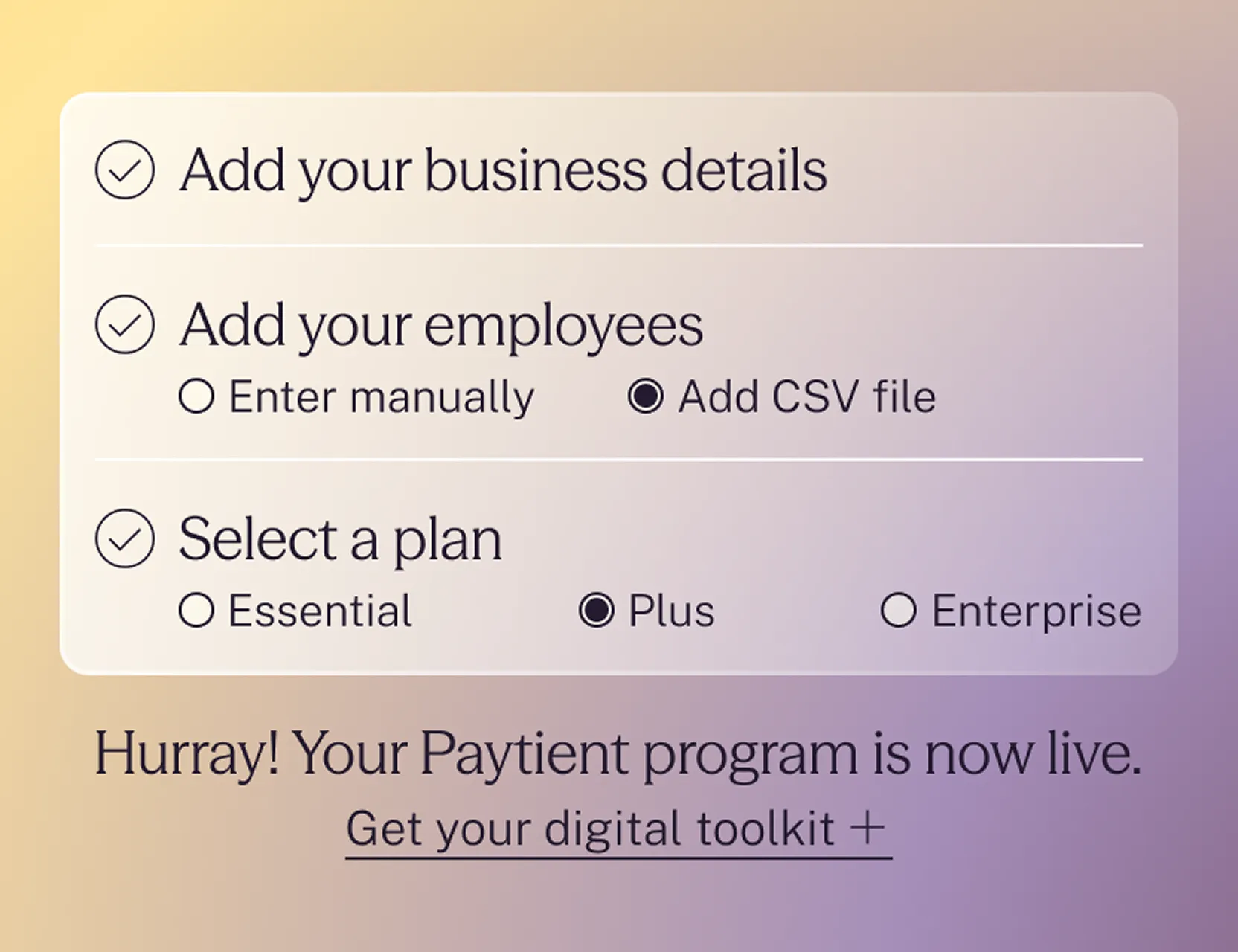
Sign up
Create your account and activate Paytient online.
Click “Get started” and add business details and employees (individually or via CSV)
Confirm plan selection and launch!
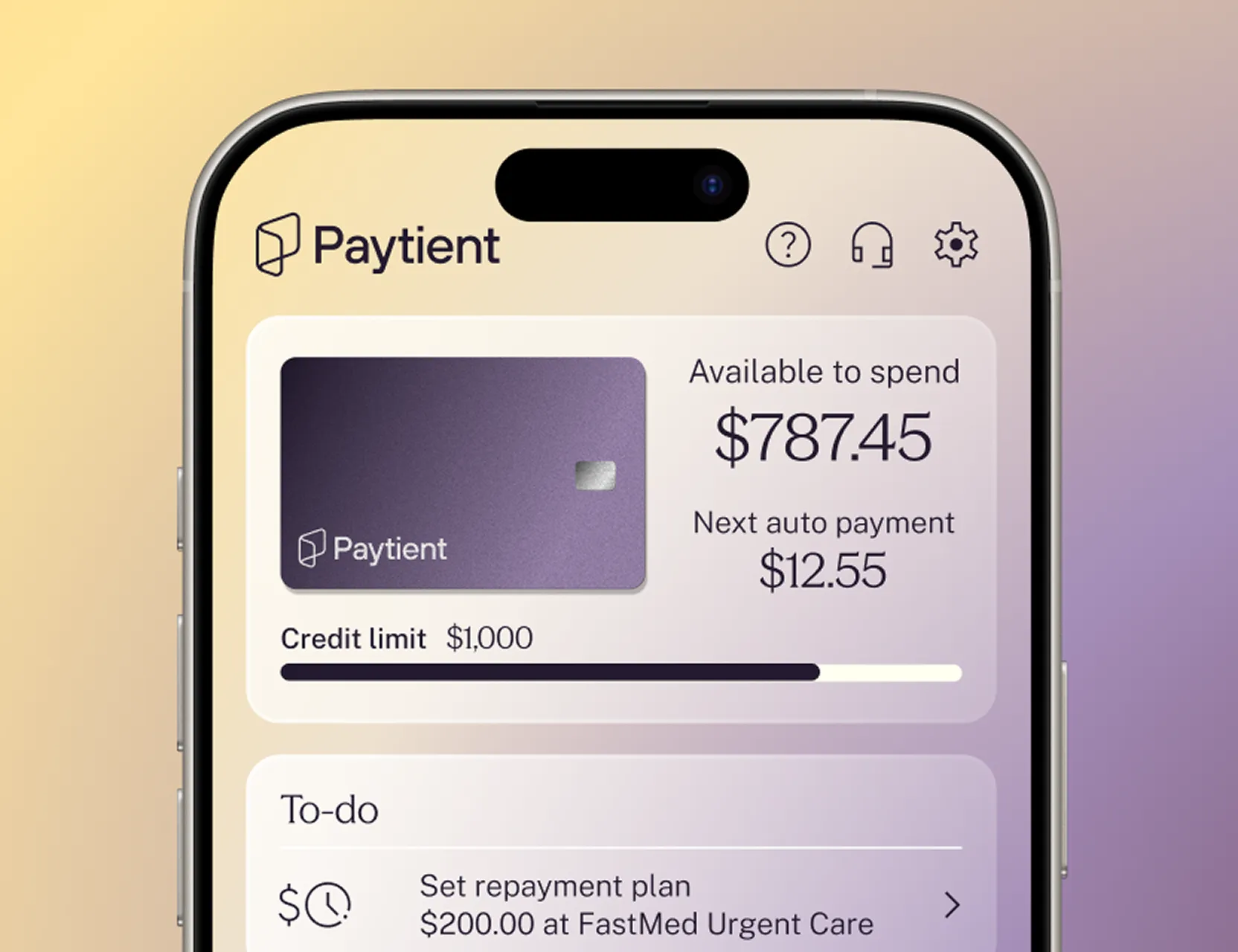
Launch
Employees create their accounts online.
Use our digital toolkit to spread the word
Employees can access and use funds immediately
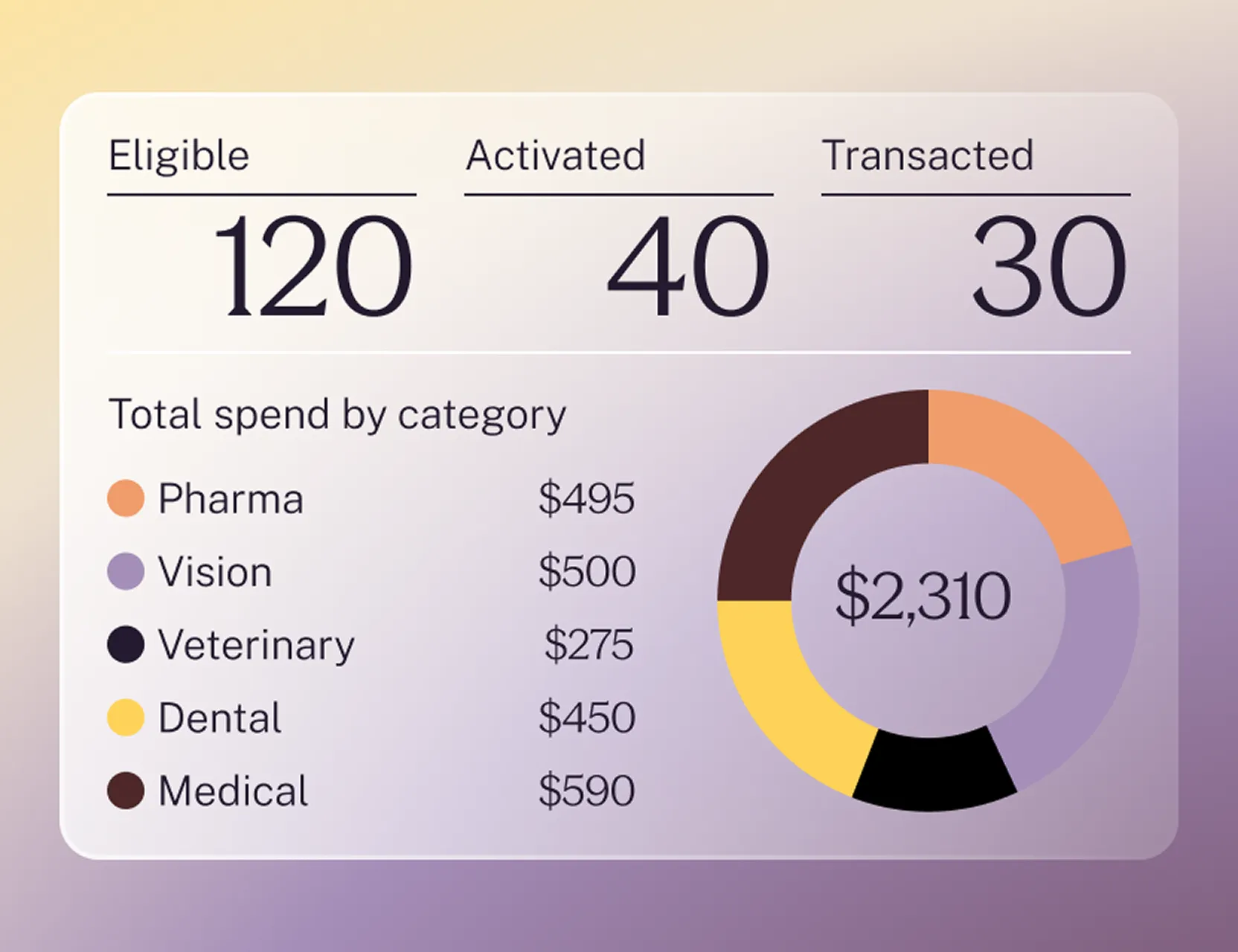
Optimize
Get insights and ongoing support from day one.
Right away, you can view your online dashboard for spending data
Paytient provides member support
Paytient improves the health of your employees—and your bottom line. No more trade-offs.
You offer Paytient so your team can access and afford care.
80% of members got care they would have skipped or delayed.

Employees choose lower cost plans and seek earlier care.
34% of members switched or are willing to switch to a lower cost plan.
Productivity and retention rise as employees thrive.
71% of members say Paytient makes them more likely to stay with their employer.
Everyone saves as premiums, claims, and crisis care decrease.
5-10x ROI can be generated from compounding benefits of this small investment.

Hear from our partners.

“One of the things that I set out to do is always lead with integrity. I think about how we are treating the people that we ask to come to work every day. Being able to take a step in this direction with the benefits package we're providing our employees allows me to say, ‘I did this, I made this choice.’”


“I think Paytient can work for any industry at any level. It has financially changed how some people think about their medical care and if a district is thinking about it, I would say, ‘Do it. It's incredible.’”


“Through Paytient’s insights, we were able to see that a lot of people used the Paytient card for dental expenses. It helped us realize we needed to improve the dental benefits we offered to our employees.”

Trusted by top employer health plans and 23M+ members












Looking for Integrated Partner Solutions?
Paytient also helps power alternative health plans and providers, healthcare financing technology companies, insurers, and other partners.
FAQs
Get answers to common (but key) questions about Paytient.
What is “purchasing power”?
“Purchasing power" is the amount of funds Paytient members can use to cover the cost of care. Members pay down their balances on the schedule they choose, without interest, fees, or any impact to credit scores.
Can I change my plan after activating Paytient and onboarding my employees?
For Essential and Plus plans, you can easily change your plan in the same online Paytient Operations Portal where you activated and manage your plan. For Enterprise plans, Paytient’s sales team will provide hands-on technical help to quickly implement any updates.
I'm interested in a white label solution—where do I sign up?
Plans and pricing on this page apply to Paytient-branded solutions. For white label options, or to leverage and integrate Paytient capabilities within your own proprietary, branded systems, please contact sales.
How will I know if the CSV I'm uploading will populate correctly?
To seamlessly upload the employees that will be eligible for your Paytient plan, please be sure your CSV includes the following required fields: ID, First Name, Last Name, Birthdate, Address 1, City, State, ZIP code, Email Address, Phone Number, SSN, Payroll Schedule.
Optional CSV fields include: Address 2, Department, Position, Payroll Company ID, Allowance, Gender, Plan Name, Salary.
Are there guides on how to promote Paytient to my employees?
Yes, our digital toolkit includes all the materials you need to spread the word to employees–get ready-to-go emails, posters, employee FAQs, and more. The Paytient support team is also here to help.
What should I do if an employee is not making their planned payments?
While your dashboard allows you to see employee healthcare expenses and amounts and when/if employees make payments, you are not responsible for employees’ unpaid balances or delinquent accounts.
Why would I choose Paytient over other options in the market?
Paytient gives people the power to say “yes” to the care they need or want—with confidence, and without delay or worry. While seamless to implement, Paytient is a platform, not just a card. Every tap not only unlocks care, but generates data that can be leveraged to continuously improve benefits and outcomes. Employers and employees consistently report excellent experiences with Paytient, as reflected in our net promoter score and thousands of five-star reviews on TrustPilot. And with Paytient, everyone in the healthcare system benefits—the result is proactive care, paid providers, smarter plan spend, lower costs, and healthier members. We’re building the Better Care Economy, and you can be part of it.
Can my employees use Paytient with an HSA or FSA?
Paytient Health Payment Accounts (HPAs) supplement and protect existing HSA/FSA funds. Paytient ensures financial flexibility by allowing members to make the most of their tax-advantaged accounts. Members can leverage their HPA to afford care in excess of their FSA funds, to pay for care before they have accrued sufficient HSA balances, and to avoid spending down their HSA funds. An HPA also addresses care costs not covered by FSA or HSAs.
Where can my employees use Paytient?
You can offer Paytient Health Payment Accounts (HPAs) that can be used to cover medical, dental, vision, pharmacy, and/or veterinary expenses at both in-network and out-of-network providers. Paytient HPA cards work at any provider that accepts Visa as long as the merchant’s MCC code is in a covered category (e.g., medical, dental).
Rarely, a provider might be owned by another company with a different MCC code that isn’t included in the program. In those cases, employees can reach out to our customer support team for help.
How much does this cost my employees?
Nothing. Employers pay a simple subscription to make HPAs available to their employees.